How AI Agents Can Browse and Reason About Web Pages Without Writing a Single Parser
Clean Markdown and schema-shaped JSON let agents skip selectors.

LLM-ready structured data extraction from web pages means fetching a URL, converting its content to clean Markdown or schema-shaped JSON, and giving that result to an agent. Agents can use semantic HTML understanding, visual perception, and multi-step planning to browse and reason without hand-written selectors. The key is a clean fetch layer that keeps raw markup out of the reasoning loop.
Why web agents need a parser-free path to web content
Custom parsers work well when a page’s structure is known and stable. CSS selectors and XPath give code a precise address for the data it needs. The trouble starts when an agent visits unfamiliar pages or a redesign moves that data.
A failed extraction can stall or corrupt a reasoning chain that has already consumed tokens finding the page. With roughly 1.1 billion websites and only a small fraction exposing public APIs, agents cannot simply avoid the open web. They need content they can reason over without maintaining a separate map of every site’s furniture.
Three capabilities that together make parser-free browsing possible
Three capabilities have converged to make that possible. LLMs can interpret HTML semantically, vision-language models can read rendered screenshots, and agent planning can connect observations to actions across several steps. Together, they replace much of the site-specific logic a developer previously had to write.
Each capability solves a different part of the problem. Semantic understanding identifies information without a fixed selector, while visual perception offers another route when a page’s DOM is obfuscated or script-heavy. Planning then uses what the agent has seen to move it toward a goal. None is enough on its own. Understanding a page does not provide navigation, planning over noisy markup wastes context, and a visual answer still needs a structured contract before software can reliably use it.
How LLMs read HTML semantically and why structured output closes the loop
LLMs trained on markup can interpret relationships between tags, hierarchy, and meaning. Instead of requiring the address of a particular element, a model can reason about which part of the page contains the requested information.
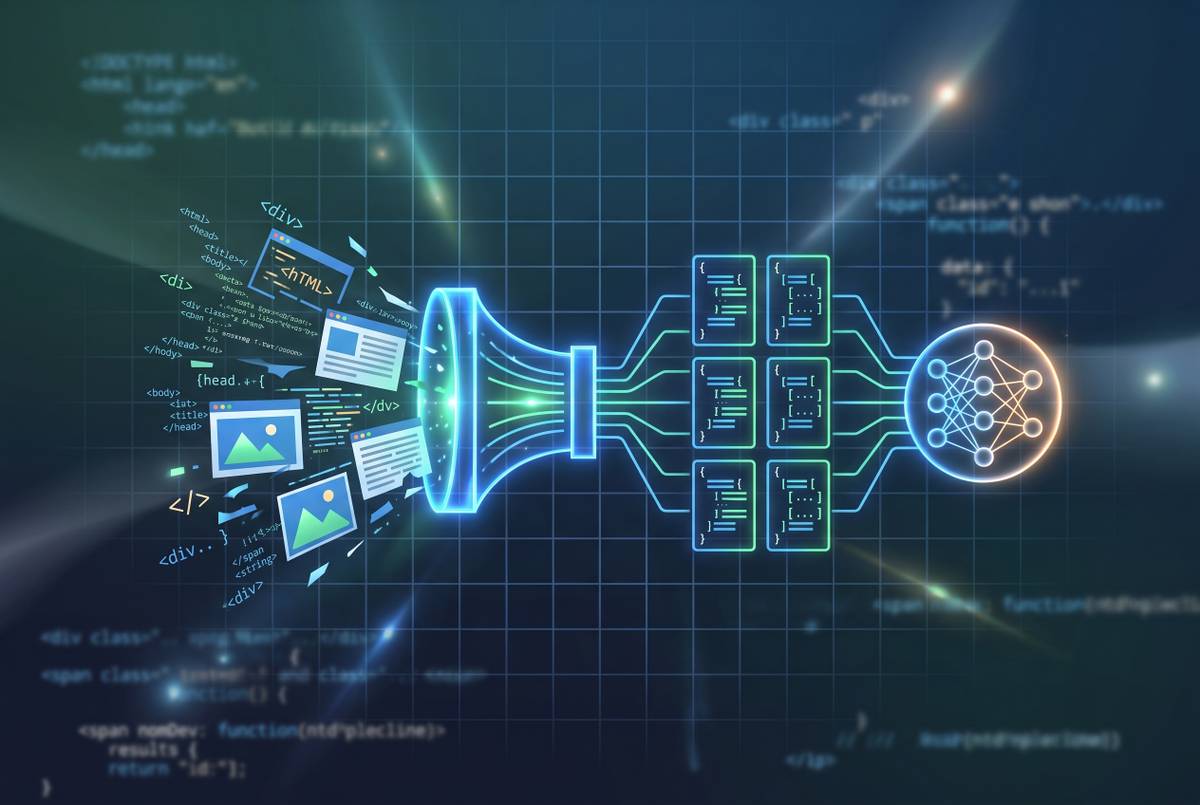
The practical pipeline starts by fetching a page and converting its HTML into clean Markdown or a pruned DOM. A developer then passes that representation to an LLM with an extraction schema. JSON mode, function calling, or tool use puts the result in a shape that software can use. The schema is the contract.
That is what “parser-free” means here. Interpretation still happens, but the developer no longer writes a custom parser for each layout. After a redesign, the schema can stay the same while the model reasons again about where the information lives. That adaptability still requires downstream validation of extraction accuracy.
How do you get web content into a format an LLM can actually use?
Semantic understanding only helps if the relevant content reaches the model. Raw HTML brings navigation menus, footers, advertising markup, and scripts along for the ride. The model needs the article.
Beyond Pixels: Exploring DOM Downsampling for LLM-Based Web Agents introduces D2Snap and finds that a large fraction of raw DOM snapshots exceed a frontier model’s context window. Its downsampled representations fit within context limits and let agents complete more tasks than raw DOM baselines do.
For content extraction, raw HTML is generally the noisiest input, clean Markdown preserves readable hierarchy, and structured JSON is the most direct fit when the required schema is known. For browser actions, the representation also needs to keep the controls the agent can use. Vision-language models can instead inspect screenshots, bypassing the DOM when its structure is unhelpful. The right input depends on whether the agent needs to read the page or operate it.
The sense-plan-act loop lets browser agents navigate without a script
Browser-action agents operate through a repeated loop. They observe the current page through a DOM snapshot or screenshot, reason about the next step, execute an action, and inspect the result. Actions include clicking, typing, scrolling, and navigating.
The agent does not need a complete map of the site before it starts, because each observation informs the next move. Government forms, login-gated portals, and paginated results become possible targets even when no API exists. The browser supplies the controls. The model supplies the plan.
However, the loop also creates repeated opportunities for error. Every action depends on interpreting the current state well enough to choose a useful next step. A cleaner observation helps the agent decide, but it does not make a long workflow automatically reliable.
Two architectural shapes every developer should understand before choosing a tool
Fetch-and-extract pipelines retrieve a URL and return clean content or structured data. This is the faster, cheaper shape for read-only research, retrieval-augmented generation, competitive intelligence, and lead enrichment. It also makes caching straightforward when the same URLs recur.
Browser-action agents serve tasks where the information appears only after interaction. Login walls, forms, and click-through flows call for a real browser and a sense-plan-act loop. That flexibility costs time and tokens because actions involve rendering, waiting, and model calls. Pop-ups, cookie banners, CAPTCHAs, and expired sessions add more ways for things to go wrong.
If the data is in the page source or reachable by URL, fetch-and-extract is the natural fit. If access requires logging in or clicking through a flow, browser action is appropriate. Many production agents combine both, reserving interactive browsing for the tasks that actually need it.
The tools that implement each shape, and where a web data API fits in the stack
Olostep is one option for the fetch layer, combining search, scraping, crawling, mapping, batching, monitoring, and AI-powered answers through one API, with clean Markdown or structured JSON among its outputs. Its Python and Node.js SDKs, MCP access, CLI tooling, and webhooks let developers connect content retrieval and change events without putting raw HTML into the agent’s reasoning context.
ScrapeGraphAI is an open-source, graph-based scraper that accepts natural-language extraction requests and returns structured JSON. It works with models from several providers and with local models through Ollama.
Stagehand, from Browserbase, is an MIT-licensed library with natural-language act, observe, and extract operations for browser workflows. Browser Use is a Python library in which the LLM reads page state and chooses actions, making it suitable for autonomous navigation through unfamiliar pages. Microsoft’s Playwright provides precise, deterministic browser automation and an official MCP server for agent integration. A content API feeds reasoning. Browser tooling enables interaction.
What the agent research loop looks like end-to-end when the fetch layer is clean
An agent starts a research task by deciding what it still needs to know. It finds relevant URLs through a search API, fetches clean content, processes the evidence, and synthesizes an answer or action. The fetch step is the hinge. If it delivers raw markup, the reasoning step inherits a cleanup job it should not have.
Competitive intelligence makes the sequence concrete. An agent can crawl a competitor’s site, extract pricing and messaging, compare those findings against its own product context, and produce a structured battlecard. Documentation research follows the same pattern but fetches current documentation before answering a technical question.
To keep that workflow dependable, developers should prefer authoritative URLs and validate the extracted results. They should limit context to relevant sections, handle fetch failures with fallback sources, and cache content from URLs that change infrequently. Source URLs should remain in the final output so a person can inspect the evidence.
Where the benchmark evidence shows AI agents still fall short on complex tasks
WebChoreArena, published at COLM 2026, contains 532 carefully curated tasks developed over 300+ hours. It tests hard web chores in which agents have to work with large amounts of information they have seen, calculate precisely, and keep track of information across pages. These are tougher demands than finding a field on a page.
The benchmark shows that even GPT-5 has much room to improve, while open-source models score only around 4–7%. Removing selector maintenance does not solve sustained memory or mathematical reasoning. A browser is not a bookkeeping qualification.
That distinction defines the useful scope of parser-free agents today. Single-page extraction and straightforward navigation ask less of the model than a long chain of cross-page calculations. Structured search, extraction, and monitoring for discrete changes are practical starting points. Tasks that need ongoing calculation across many pages should have points where a human checks the work, because successful browsing alone does not prove that the reasoning is correct.
Token costs and the production economics of running web agents at scale
Agent costs grow with the volume of tokens processed across repeated model calls. A noisy page costs tokens when read once, and it costs more when the agent sees that noise throughout a browser session. The meter does not distinguish evidence from footer links.
The D2Snap findings show why smaller representations can change what each task costs. Reducing irrelevant DOM content lowers the token burden while preserving useful page information. Before tuning prompts or switching models, developers should check what the agent gets at each step.
Model routing offers a second lever. Classification and scanning can use lightweight models, drafting can use mid-tier models, and final decisions can use frontier models. Caching clean content also avoids repeated fetching and preparation, although reusing a page alone does not eliminate another model call. Avoiding repeated reasoning requires reusing the useful result as well.
Web monitoring as the agentic use case that runs continuously without human prompting
The same fetch layer can support a workflow that starts when the web changes. A scheduled fetch produces current content, which is compared with a stored baseline. A meaningful change then triggers an alert, a database update, or a new research loop.
Competitor pricing, product availability, policy updates, job postings, and brand mentions all fit this pattern. Semantic extraction can reinterpret a redesigned page instead of depending on the old position of an element. That makes removing fixed selectors more than a convenience for a one-off lookup, because monitoring must keep working between human visits.
Browse AI offers a no-code version of this approach. Users train a robot by clicking the data they want, and the platform generalizes that pattern for later scrapes and monitoring. Whether configured visually or through code, the purpose is the same. Detect the useful change and pass it to the next workflow.
Prompt injection is the structural security risk of giving agents web access
Retrieved content serves as evidence and must remain separate from instructions. Indirect prompt injection exploits that boundary by placing adversarial instructions inside pages or other material an agent reads. The attacker does not need access to the agent’s code or the user’s prompt.
For an action-taking agent, the consequences extend beyond a bad answer. A redirected workflow can expose data, submit forms, or take unauthorized downstream actions. Even an honest MCP server can deliver hostile page content. Trust in the transport does not establish trust in the cargo.
Developers should therefore treat all fetched content as untrusted and validate proposed actions before execution. Clean, structured input reduces irrelevant material, but formatting alone is not a security boundary. Agents with access to email, databases, or payment systems need explicit confirmation before irreversible operations. High-stakes workflows should include a human checkpoint in the action loop.
What to build first when wiring live web data into an agent
Start with a documentation lookup or another concrete read-only research task. Identify the relevant URLs, use a web data API to retrieve clean Markdown, and pass it to the model with a defined extraction schema. Keep the first task small enough to check. A successful single-page extraction is a better foundation than an ambitious browser expedition.
Register the fetch call as a tool through LangChain, CrewAI, AutoGen, or ordinary function calling. In the reasoning step, prefer authoritative sources, validate the output, and retain source URLs for human review. Add fallback sources for failed fetches and caching for content that changes infrequently.
A login wall, form, or click-through flow is a reason to add Browser Use or Stagehand. Mere availability is not. Build the first fetch-clean-extract-validate path around one real question, then inspect its answer against the source page.